What Is a Computer Vision Pipeline? Stages and Architecture
What Is a Computer Vision Pipeline? Stages and Architecture !
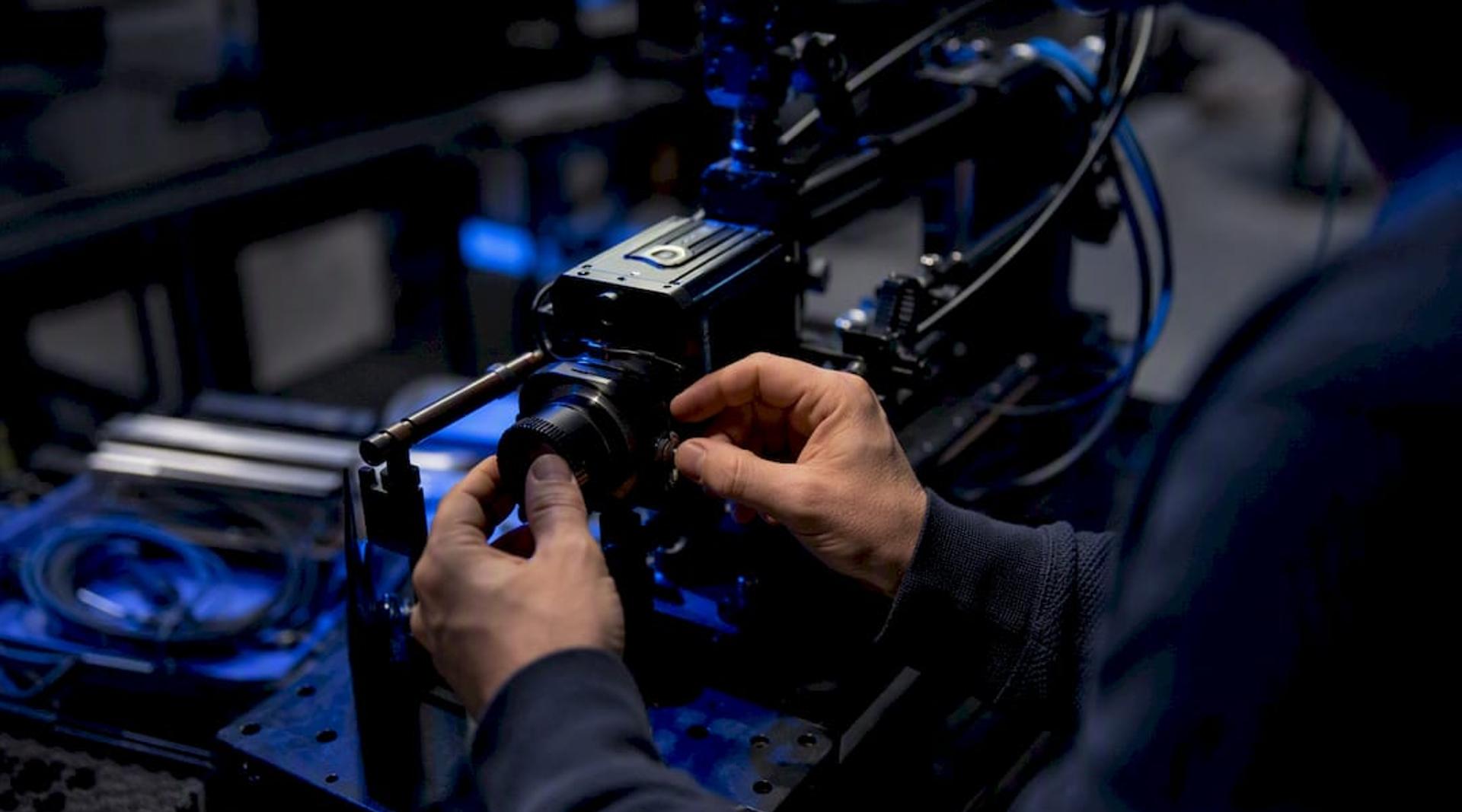
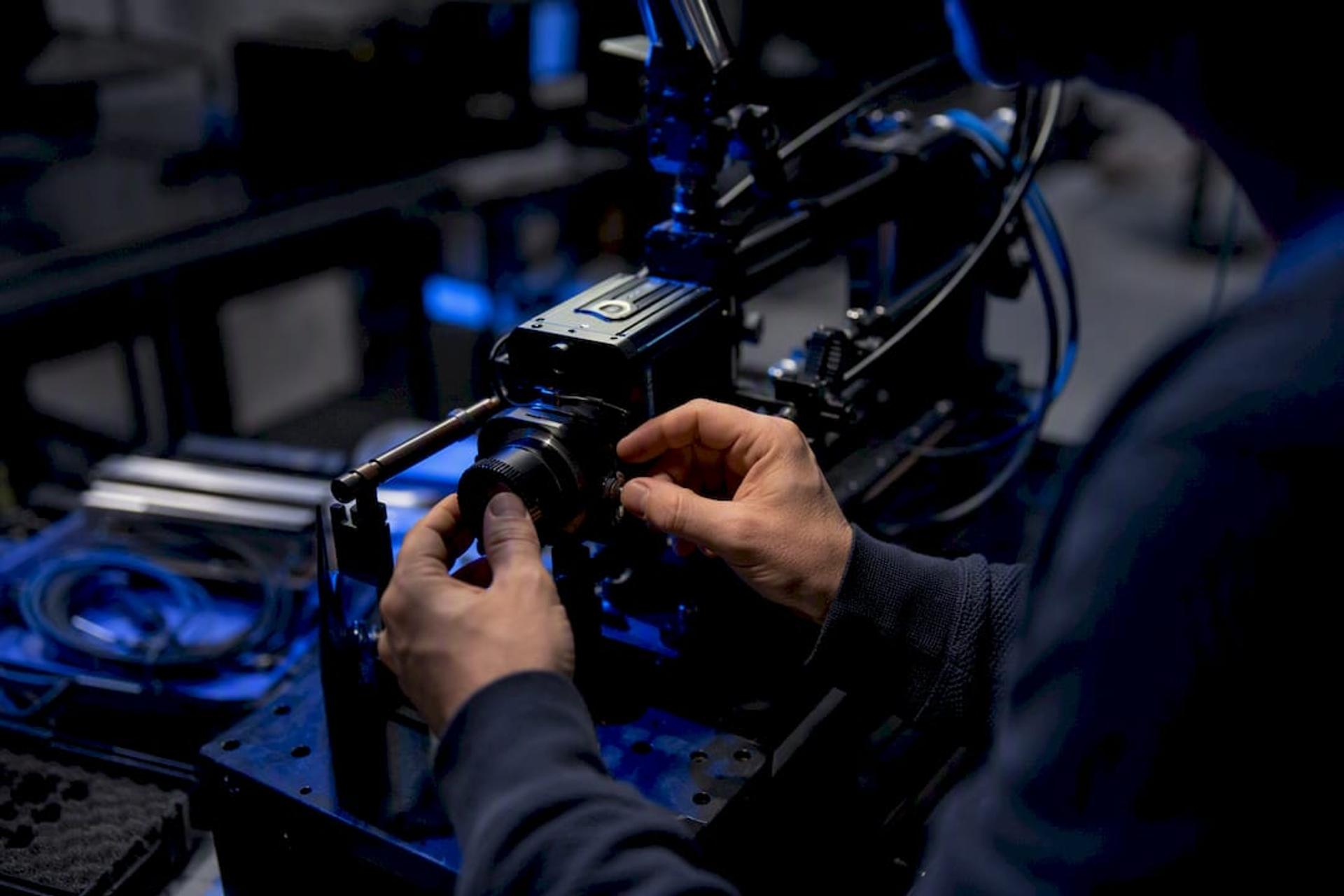
A computer vision pipeline is the sequence of connected stages that turns raw pixels into a business decision: capture, preprocess, annotate, train or run inference, post-process, then deploy and monitor. Every production system, from a warehouse defect scanner to a medical imaging tool, runs through these same core stages, even when the underlying models differ wildly.
Here’s the canonical sequence you’ll unpack in this article:
- Image acquisition — sensors, cameras, or scanners capture the raw input
- Preprocessing — resizing, normalization, denoising, and augmentation
- Annotation and data operations — labeling, versioning, quality checks
- Model training or inference — feature extraction using classical or deep learning methods
- Post-processing — cleaning, filtering, and formatting model output
- Deployment and monitoring — serving predictions and watching for drift
The rest of this guide breaks down each stage, then covers the orchestration and governance layer that separates a weekend prototype from something you can actually run in production.
TL;DR:
- Proper metadata recording at capture, including camera ID and timestamp, helps trace model failures back to hardware or environmental issues.
- Preprocessing steps like resizing, normalization, and augmentation are critical; hybrid augmentation—precomputed and runtime applied—is the most effective for balancing speed and variation.
- Annotation quality relies heavily on systematic quality checks, versioning, and active learning tools to control labeling costs and ensure dataset consistency.
- Model architecture choices should be driven by the specific task requirements, such as latency, data volume, and need for explainability, rather than industry trends.
- Deployment options vary based on latency needs and privacy constraints, with optimizations like quantization and batching improving inference speed across cloud, edge, or hybrid setups.
Table of Contents
- Image Acquisition: What You Capture Determines What You Can Build
- How Do You Prepare Images Before Training a Model?
- What Makes Annotation Quality Actually Reliable?
- Choosing the Right Model Architecture for Your Task
- Cloud, Edge, or Hybrid: How Should You Deploy Inference?
- How Do You Know a Computer Vision Model Is Still Working?
- How Does Pipeline Orchestration Actually Work?
- Building Your First Production-Ready Pipeline
- A Senior Engineer’s View on What Actually Breaks CV Projects
- From Checklist to Working Pipeline: How Bitrupt Helps
- Key Takeaways
- Where to Learn More About Computer Vision Pipelines
- Sources
Image Acquisition: What You Capture Determines What You Can Build
Everything downstream in a computer vision pipeline is constrained by what happens at the lens. A model can’t recover detail that was never captured, and no amount of clever preprocessing fixes a camera mounted at the wrong angle or a frame rate too slow to catch the event you care about.
Capture requirements shift dramatically by modality. A retail shelf-monitoring system needs consistent lighting and fixed camera positions. A video analysis pipeline tracking movement across frames needs frame-rate stability and timestamp precision. Medical imaging pipelines deal with DICOM formats, multi-slice volumes, and strict color fidelity requirements that consumer cameras never have to meet. Multi-spectral or thermal capture, common in agriculture and industrial inspection, adds channels that standard RGB pipelines aren’t built to handle.
A handful of capture parameters matter more than teams expect going in:
- Resolution and compression — higher resolution helps small-object detection, but heavy JPEG compression can erase the fine edges your model needs
- Exposure and color space — inconsistent exposure across a dataset trains a model that only works under one lighting condition
- Frame rate and synchronization — multi-camera setups need synced timestamps or your temporal features become noise
- Lens and focal characteristics — distortion at the edges of wide-angle lenses skews bounding-box accuracy near the frame border
Metadata discipline pays off later. Record camera ID, timestamp, GPS coordinates (when relevant), lens type, and exposure settings alongside every capture. This isn’t bureaucratic overhead. When a model starts failing on a specific camera or time of day months from now, that metadata is the only way you’ll trace the cause back to a hardware or environmental issue instead of chasing a phantom model bug.
Pro Tip: Run a quick validation pass on any new data source before it enters your pipeline: check for blank frames, timestamp gaps, and resolution mismatches. Catching a misconfigured camera on day one saves weeks of confused debugging later.
How Do You Prepare Images Before Training a Model?
Preprocessing turns messy, inconsistent raw captures into something a model can actually learn from, and the sequence matters more than most teams assume.
A standard image processing workflow runs through a few dependable steps in order:
- Resize and standardize dimensions to match your model’s input requirements without distorting aspect ratios
- Normalize pixel values so brightness and contrast variation don’t dominate what the model learns
- Denoise and correct color to remove sensor artifacts and align color spaces across capture sources
- Apply motion compensation for video, stabilizing frames before temporal analysis
- Augment the dataset with photometric transforms (brightness, contrast, blur) and geometric ones (rotation, crop, flip)
Augmentation is where a lot of pipelines quietly underperform. Simple flips and rotations help, but domain randomization, systematically varying lighting, backgrounds, and textures in synthetic or semi-synthetic data, closes the gap between training conditions and messy real-world deployment. This matters most when real labeled examples of rare conditions are scarce: a manufacturing defect that occurs once per 10,000 units, for instance, is far easier to simulate than to collect naturally.
The trade-off decision that trips up new teams is precomputing transforms versus running augmentation on the fly. Precomputed, offline preprocessing is faster at training time and easier to debug, but it locks in a fixed set of variations and eats storage. Runtime augmentation, applied fresh on each training pass, gives you effectively infinite variation and adapts as your augmentation recipe evolves, but it adds CPU or GPU overhead on every batch. Most production teams land on a hybrid: heavy, expensive transforms precomputed once, lightweight photometric jitter applied at runtime.
Pro Tip: If your GPUs are sitting idle while your CPU chokes on augmentation, move photometric transforms onto the GPU with a library that supports it. CPU-bound augmentation is one of the most common, and most overlooked, training bottlenecks.
What Makes Annotation Quality Actually Reliable?
Annotation is where most computer vision projects quietly lose months. The label type you choose depends entirely on the task: bounding boxes for object detection, pixel masks for segmentation, keypoints for pose estimation, and structured layout regions for OCR document processing where text position and reading order matter as much as the words themselves.
Tooling choice shapes annotation speed and consistency more than teams expect. A tool that supports pre-labeling with an existing model, then routes only uncertain cases to a human, cuts annotation time significantly compared with labeling every image from scratch. That’s the foundation of active learning: rank unlabeled examples by model uncertainty, send the ambiguous ones to annotators first, and skip the images your model already handles confidently. Pairing active learning with human review is one of the more effective ways to control labeling cost while still catching rare failure cases.
Quality control needs to be systematic, not occasional:
- Inter-annotator agreement checks flag ambiguous label schemas before they poison your training set
- Review queues route a sample of every annotator’s work to a second reviewer
- Label audits re-check a random slice of the dataset on a fixed schedule, not just after something breaks
- Schema versioning documents exactly what “occluded” or “partial” meant at the time a label was made
Dataset versioning deserves the same rigor as code versioning. When you retrain a model, you need to know exactly which dataset snapshot produced which model weights. Teams that skip this step tend to hit a specific failure mode: a model regresses in production, and nobody can reconstruct which training run or data change caused it, because the dataset that trained the current model in production is not the same one sitting in the labeling tool today.
Choosing the Right Model Architecture for Your Task
Model selection is where a lot of teams either overbuild or underbuild, and both mistakes are expensive. The right choice depends on latency budget, data volume, failure cost, and how much explainability you need, not on which architecture happens to be trending.
Three broad paths exist, and most production systems end up combining them rather than picking one:
- Use a pretrained model as-is when your task closely matches a common benchmark category (general object detection, face detection, common OCR)
- Fine-tune a foundation model when you have a moderate labeled dataset and a task that’s related to, but distinct from, standard benchmarks
- Compose multiple models when the task genuinely requires it, chaining detection, segmentation, and OCR into a single pipeline for something like automated document processing or shelf auditing
Compact detectors work well for real-time, resource-constrained deployment where every millisecond of latency counts. Vision transformers (ViTs) tend to outperform on complex scenes with subtle distinctions but demand more compute. Foundation vision-language models handle open-vocabulary tasks (finding “a person wearing a red hard hat” without a pre-trained class for it) but come with higher inference costs and less predictable latency. OCR and document layout stacks are their own specialized category, often combining a detection model to locate text regions with a recognition model to read them.
| Task Type | Common Approach | Key Trade-off |
|---|---|---|
| Real-time object detection | Compact pretrained detector | Fast, lower accuracy on edge cases |
| Fine-grained classification | Fine-tuned foundation model | Needs moderate labeled data |
| Open-vocabulary detection | Vision-language foundation model | Flexible, higher latency and cost |
| Document text extraction | OCR + layout-aware model | Strong on structured docs, weaker on freeform scenes |
| Multi-step scene understanding | Composed pipeline (detect + segment + OCR) | More accurate, more moving parts to maintain |
Evaluation planning needs to go well beyond a single accuracy number. Track precision and recall per class, intersection-over-union (IoU) for detection and segmentation tasks, and run confusion analysis to see exactly which classes get confused with which. Set your decision thresholds based on the actual cost of a false positive versus a false negative in your business context, not a default 0.5 cutoff, because those costs are rarely symmetric.
Cloud, Edge, or Hybrid: How Should You Deploy Inference?
Deployment pattern choice comes down to latency requirements, privacy constraints, and how often your model needs updating. Cloud batch processing suits workloads where results don’t need to be instant, overnight document processing, periodic quality audits, large archival OCR jobs. Cloud real-time serving fits interactive applications where a few hundred milliseconds of network latency is acceptable and centralized model updates matter more than local independence.
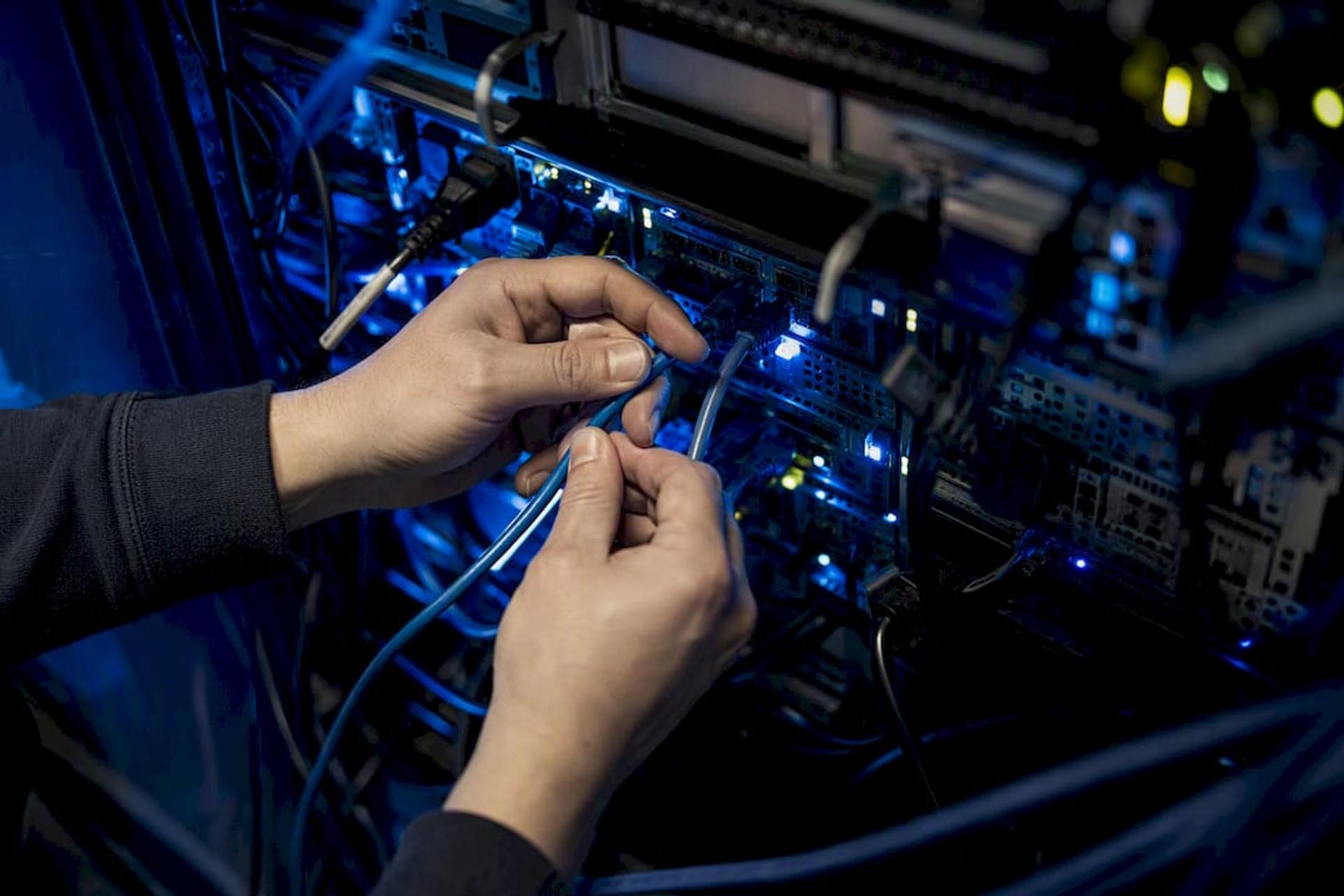
Edge deployment, running inference directly on a device or local server, becomes necessary when latency or data privacy rules out sending frames to the cloud: a factory floor safety system that needs a response in milliseconds, or a hospital that can’t transmit patient imagery off-site. Hybrid patterns split the difference, running lightweight filtering on-device and sending only flagged frames to the cloud for heavier processing.
A few optimizations consistently matter regardless of where inference runs:
- Quantization shrinks model weights from 32-bit to 8-bit precision, cutting memory and often speeding up inference with minimal accuracy loss
- Pruning removes redundant network connections to reduce model size further
- Batching groups multiple inference requests together to maximize GPU throughput
- GPU-accelerated video decoding keeps frames in GPU memory during a video analysis pipeline, avoiding costly transfers back and forth between CPU and GPU that quietly eat latency budget
Getting predictions out of the model is only half the job. Integration patterns matter just as much: a REST API works for on-demand requests, a streaming sink or message bus (Kafka-style architectures) suits continuous video or sensor feeds, and a human-in-the-loop escalation path catches the predictions your model isn’t confident about before they reach a customer or a safety-critical decision.
How Do You Know a Computer Vision Model Is Still Working?
A model that scored well in testing can degrade in production for reasons that have nothing to do with the model itself, lighting changes, a new camera model, a shift in what the model actually sees day to day. Monitoring is what catches this before it becomes a customer complaint.
Track these signals continuously, not just at launch:
- Precision and recall per class, not just an aggregate accuracy figure, since class-level degradation hides inside a stable overall score
- IoU for detection and segmentation outputs, tracked over time to catch a slow decline in localization quality
- Latency percentiles (p50, p95, p99), since a rising p99 often signals a resource bottleneck before it shows up anywhere else
- Calibration, checking whether the model’s confidence scores actually match its real-world accuracy
- Business-cost metrics, translating model errors into dollars, hours, or safety incidents so stakeholders outside engineering understand the stakes
Data-distribution checks catch drift before it tanks your metrics: compare the statistical properties of incoming production images (brightness histograms, average object size, class frequency) against your training distribution. A sudden shift is often your earliest warning that something upstream changed. Stable output schema contracts matter here too: mismatched field names or types between pipeline versions are a common, and entirely avoidable, cause of silent downstream failures.
Close the loop by routing low-confidence predictions to human reviewers, folding their corrections back into your labeled dataset, and scheduling retraining on a cadence that matches how fast your environment actually changes, not an arbitrary calendar date.
How Does Pipeline Orchestration Actually Work?
Production computer vision frameworks increasingly structure execution as a directed acyclic graph (DAG): each stage, capture, preprocess, inference, post-process, becomes a node, and independent stages run in parallel instead of blocking on a single sequential chain. Bounded buffers sit between stages so a slow post-processing step doesn’t stall the entire pipeline when frames arrive faster than they can be processed.
A well-architected system keeps distinct responsibilities separate:
- Pipeline orchestration handles workflow logic, stage sequencing, and dependency management
- The inference engine handles GPU scheduling, batching, and model serving as a shared resource across multiple pipelines, rather than each pipeline owning its own dedicated GPU logic
- The model registry tracks versions, manages canary rollouts, and lets you roll back a bad deployment without touching the surrounding pipeline code
- Output schema contracts define fixed field names and types so downstream consumers never break when a model gets updated
Design for the failure modes you’ll actually hit: a stage silently dropping frames under load, a schema mismatch after a model update, or a GPU scheduler starving one pipeline while over-serving another. Building observability into each node from day one is far cheaper than debugging a black-box failure at 2 a.m.
Building Your First Production-Ready Pipeline
Moving from prototype to production doesn’t require a massive platform investment on day one. It requires sequencing the right decisions correctly.
- Define the business decision the pipeline needs to support, not just the model’s accuracy target
- Instrument capture with consistent parameters and full metadata from the start
- Design a label schema before annotating a single image, since retrofitting a schema later means relabeling
- Establish a baseline model, often a pretrained one, before investing in custom training
- Run a pilot deployment on a narrow slice of real traffic before a full rollout
- Instrument monitoring for the metrics that matter for your specific failure costs
- Build the retrain loop so uncertain cases flow back into your labeled dataset automatically
A minimal starter stack covers object storage for raw and processed images, a dataset versioning tool in the DVC or MLflow tradition, an annotation platform that supports pre-labeling, a lightweight model registry, and an inference runtime that separates serving from orchestration.
Governance can’t be an afterthought here. Define data retention policies before you start collecting, handle any personally identifiable information (faces, license plates, patient imagery) with explicit access controls, and document who can view or export raw captures versus processed outputs.
Pro Tip: *Start your pilot on the narrowest possible slice of real traffic — one camera, one product category, one document type — before scaling.
A Senior Engineer’s View on What Actually Breaks CV Projects
Most computer vision projects that stall in production don’t fail because the model was wrong. They fail because nobody planned for data drift, labeling debt, or the gap between a notebook demo and a system that runs unattended at 3 a.m. Bitrupt builds these systems with senior engineers only, across AI and data engineering work spanning healthcare imaging, fintech document processing, and marketplace content moderation. The pattern that works: a short audit of your data and use case, a narrow pilot, then a scale-up once the pipeline proves itself on real traffic, not a six-month build before anyone sees results.
— Usama
From Checklist to Working Pipeline: How Bitrupt Helps
Every stage in this guide, capture strategy, DataOps, model engineering, deployment, and monitoring, is a place where a project either gains momentum or stalls waiting on the right expertise. Bitrupt closes that gap directly: senior engineers handle each phase end-to-end, from designing your annotation schema to standing up a DAG-based orchestration layer that scales without a rewrite six months in.
If you’re evaluating whether to build this in-house or bring in a partner, Bitrupt’s AI and data engineering practice is built specifically for production pipeline work, not one-off prototypes. Engagement starts wherever you actually are: an AI readiness workshop if you’re still scoping the problem, a pilot project if you have a defined use case ready to test, or staff augmentation if your team needs senior engineering capacity fast. Response times run within 24 hours, and every engagement is staffed by engineers who’ve shipped this kind of system before, not junior teams learning on your budget. Reach out through the AI and data engineering page to scope your pilot.
Key Takeaways
A computer vision pipeline succeeds when capture, annotation, model selection, and deployment are engineered as one connected system, not built and evaluated in isolation.
| Point | Details |
|---|---|
| Stages form one system | Capture, preprocess, annotate, train, post-process, and deploy each depend on decisions made upstream. |
| Metadata prevents blind debugging | Recording camera ID, timestamp, and exposure at capture time makes future failures traceable. |
| Evaluate beyond accuracy | Track precision and recall per class, IoU, and latency percentiles to catch hidden weak spots. |
| DAG orchestration scales better | Structuring stages as parallel nodes with bounded buffers avoids single-chain bottlenecks. |
| Bitrupt builds pilot-to-scale pipelines | Senior engineers handle DataOps, model engineering, and deployment through a defined audit-to-scale process. |
Where to Learn More About Computer Vision Pipelines
- GeeksforGeeks: main steps in a computer vision pipeline — a clear breakdown of canonical pipeline stages
- Google Document AI: Enterprise Document OCR — official docs for layout-aware OCR extraction
- Hanzo Vision HIP-81 standard — a DAG-based pipeline architecture specification
- FFmpeg project — the standard toolkit for video decoding and frame processing
Sources
- What are the main steps in a typical Computer Vision Pipeline?
- Cloud Vision and Document AI use-case guidance
- What is Computer Vision? (Databricks)